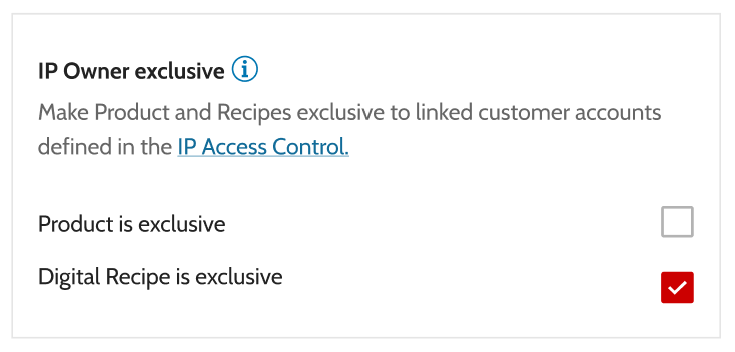
You can restrict acces of products and their associated digital recipes. This setting ensures that only companies or customers explicitly linked in the IP Access Control can view and get licences of the product and its recipes to their wallets.
Important: If the IP Owner also needs access to print the product, they ,must be included in the IP Access Control list as well
¶ Access Settings of Products and Recipes
¶ 1. Publicly Available
- If a product is NOT marked IP Owner exclusive, by default on recipe creation, all its associated recipes inherit this setting too.
- If required, this setting can be defined per recipe individually.
- If the product setting changes AFTER recipe creation, it only changes recipes in draft mode. It won't change any published recipes.
→ Product Detail Page
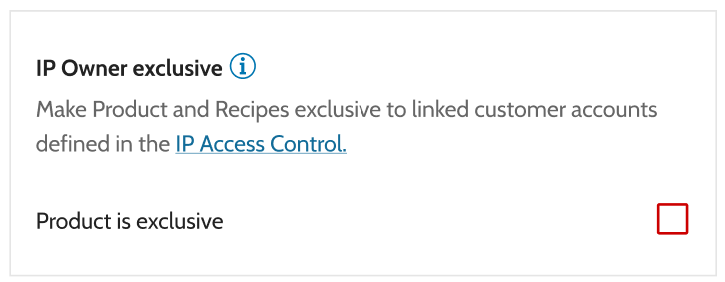
→ Digital Recipe Detail Page
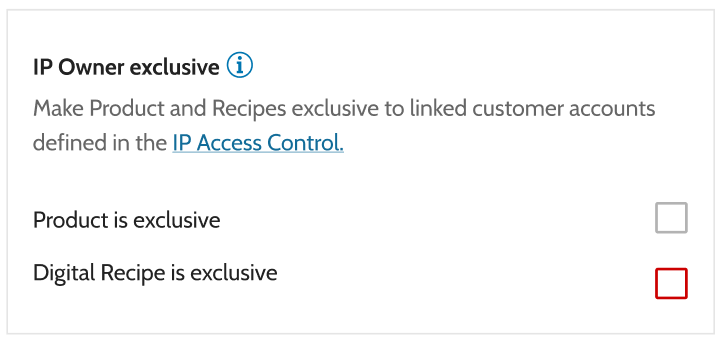
¶ 2. Exclusive Access
- When a product is marked IP Owner exclusive, all associated recipes automatically inherit this setting and can't be changed
→ Product Detail Page
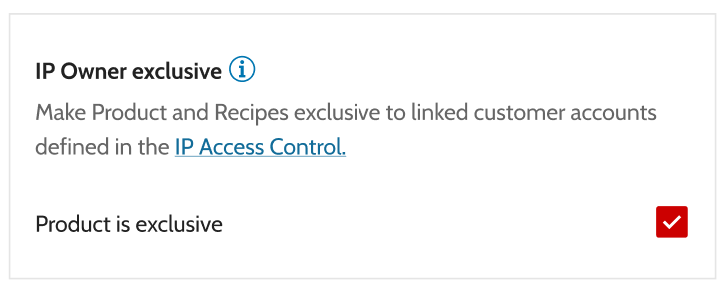
→ Digital Recipe Detail Page
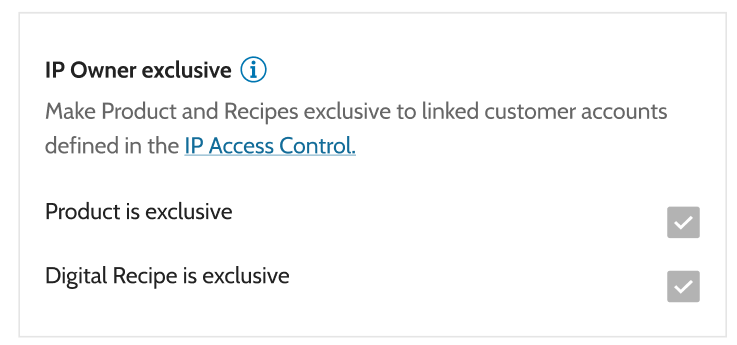
If a Product is IP Owner exclusive then the IP Owner can verify it himself.
If If Digital Recipe is IP Owner exclusive then Quality Gates are reduced to IP Owner approval but the Digital Recipe can't be sold publicly
¶ 3. Mixed Access
- If a product is publicly available, you can choose to set the IP Owner Exclusive status individually for each recipe during recipe creation.
- If the product setting changes AFTER recipe creation, it only changes recipes in draft mode. It won't change any published recipes.