Congratulations, you are one step away from accessing the Digital Inventory Services!
Just set your password and access DIS.
¶ Activate your DIS Password
To activate your DIS password, go to https://login.witglobal.net/ext/pwdreset/Identify?AdapterId=IDM1PD
Enter your email address in the username field.
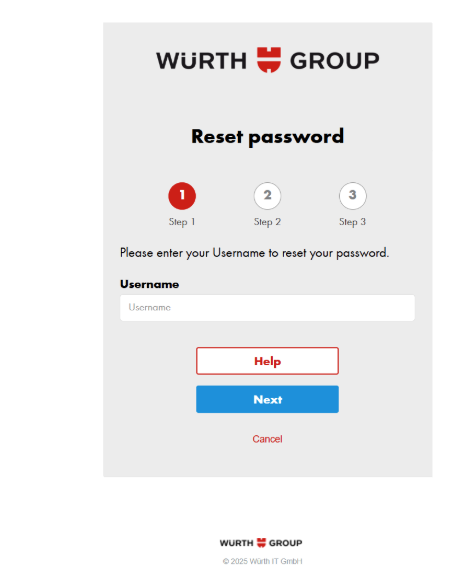
You will be required to set your password.
Once you set your password, access the DIS application.
¶ Access DIS Workbench
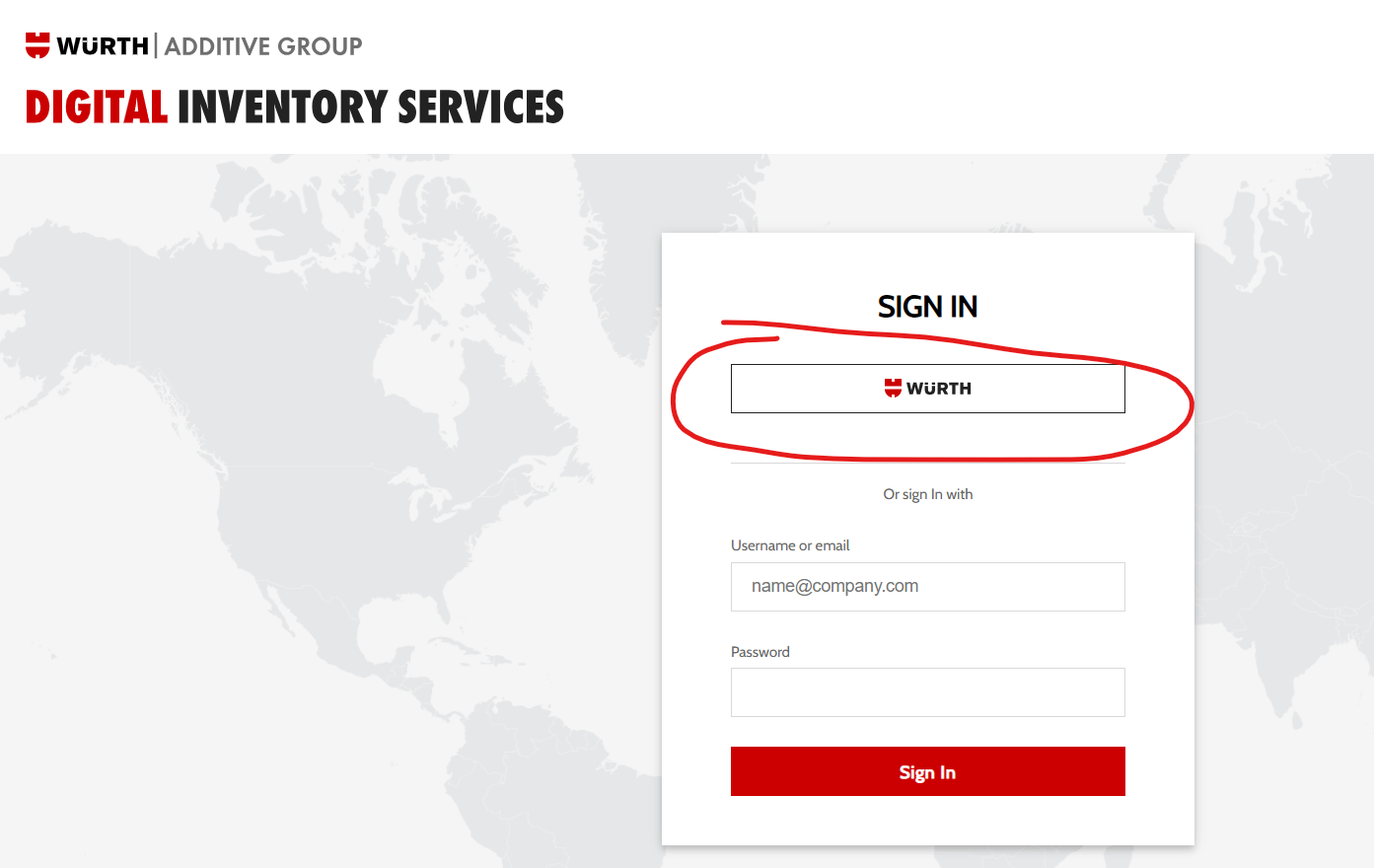
To access the DIS workbench, go to always-in-stock.com
Press the WURTH button
Enter your email address and password, and log in
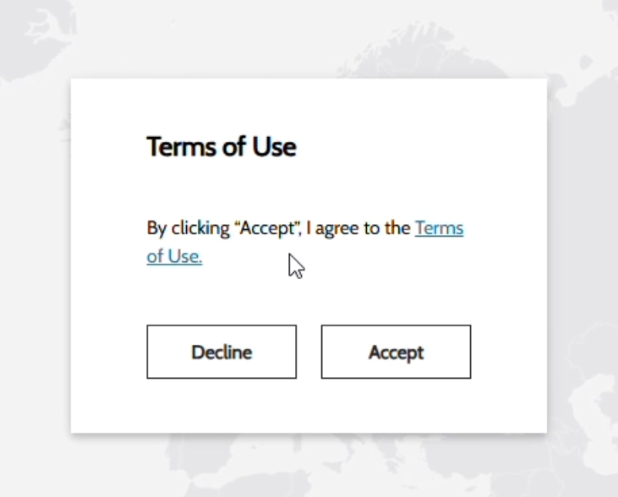
On first login, you will be asked to accept the DIS Terms of Use. Press Accept to continue.